

Description
Print Directly from Android to Any Printer
Overview
PrinterShare Mobile Print APK is a desktop-compatible application designed to enable seamless printing from Android devices to any compatible printer. The software allows users to connect their smartphones or tablets directly to supported printers without the need for additional hardware or complex configurations. Its primary purpose is to eliminate the dependency on wired connections, dedicated printers, or cloud-based services for basic printing tasks. This solution is ideal for professionals managing on-the-go documentation, students preparing assignments, and casual users needing quick access to physical copies.
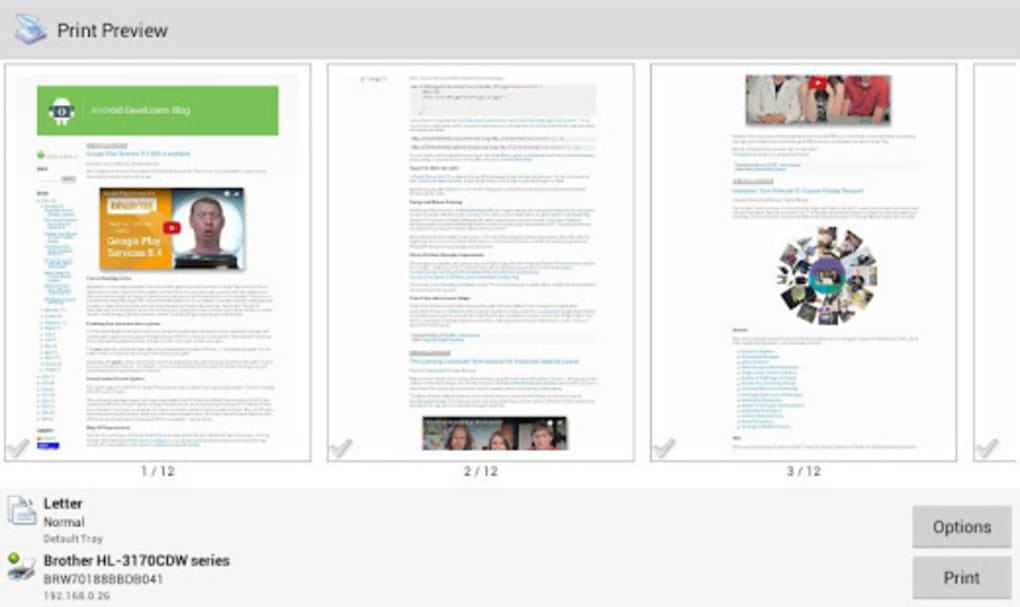
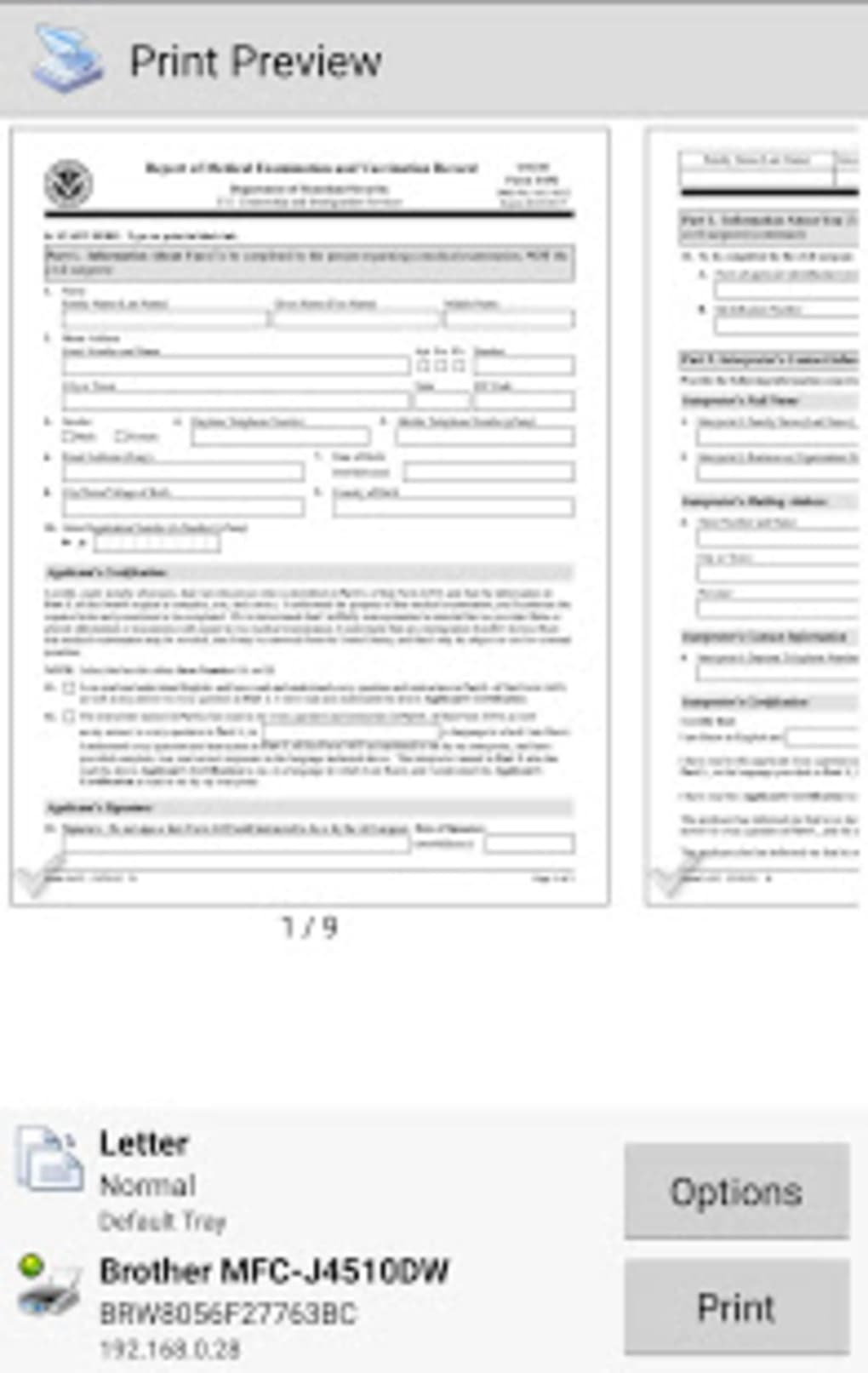
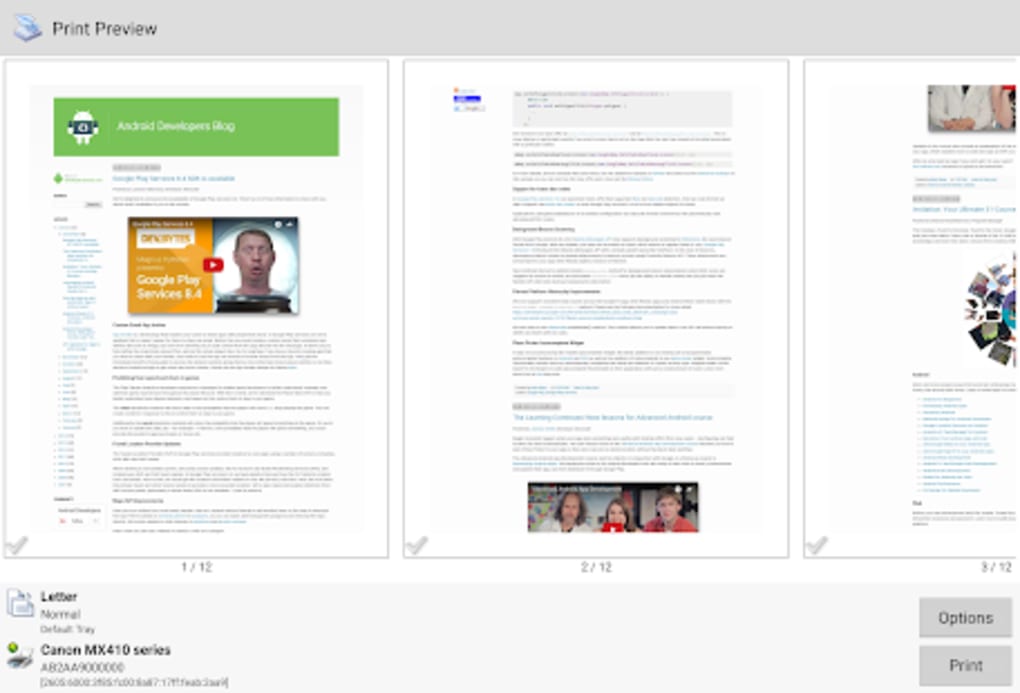
The app supports a wide range of file types, including JPG, GIF, DOC, XLS, PPT, TXT, and HTML, making it suitable for both personal and office use. Users can adjust print settings such as paper size, page orientation, copy count, and print quality directly within the app. This flexibility enhances usability across different environments, from home offices to small business settings. The developer did not provide additional details about the company or background.
Real-world usage scenarios include printing documents during meetings, sharing photos at events, or producing reports from mobile devices. The software is particularly useful for users who want to avoid purchasing new printers for occasional printing needs. By leveraging existing printer infrastructure, users can reduce costs and streamline workflows. The app’s ability to connect to most major printer models ensures broad compatibility, supporting a diverse range of hardware configurations.
Key Features & Capabilities
- Direct Android-to-Printer Connection – Enables users to print from their Android device to any compatible printer without requiring a computer intermediary.
- Wide File Format Support – Allows printing of common document and image files, including JPG, GIF, DOC, XLS, PPT, TXT, and HTML.
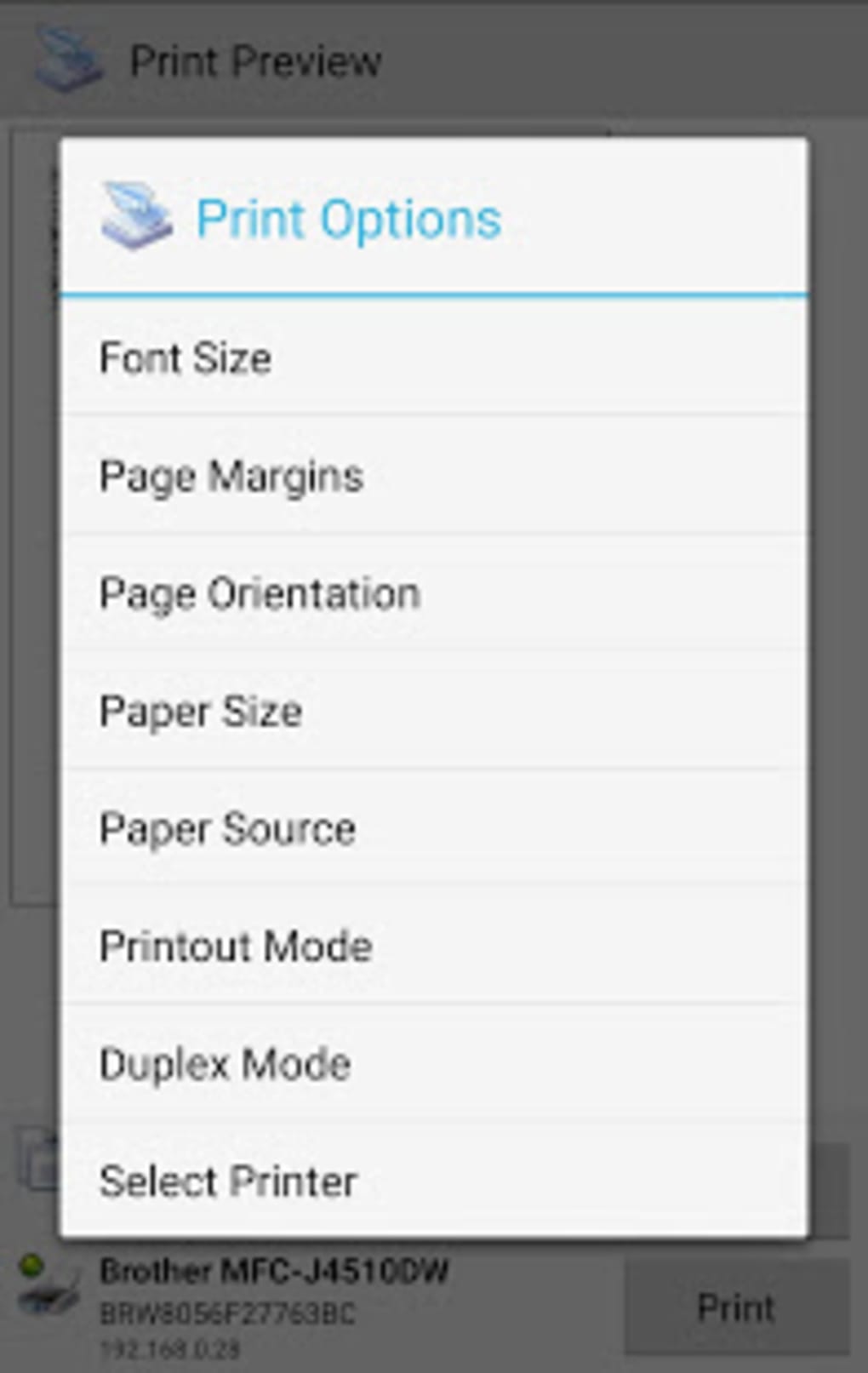
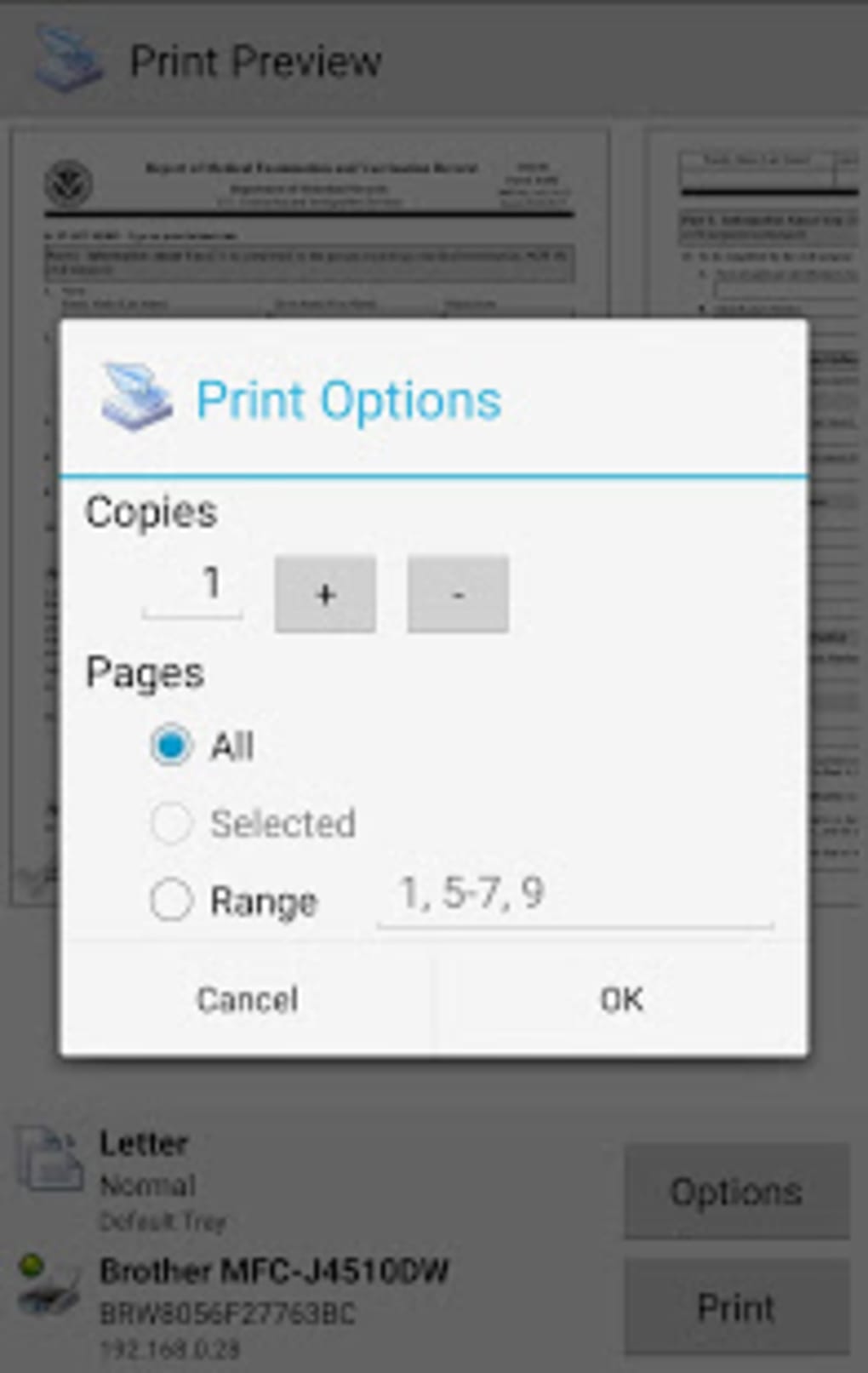
- Customizable Print Settings – Users can select paper size, page orientation, number of copies, and print quality to suit specific needs.
- Universal Printer Compatibility – Supports most major models of printers, enhancing flexibility across different hardware setups.
- Cost-Effective Printing Solution – Eliminates the need to purchase new printers or additional supplies for occasional print tasks.
These features make the app practical for daily use in both personal and professional environments. For example, a business traveler can print meeting materials directly from their tablet using a hotel’s shared printer. A student can print lecture notes or assignments from their phone during study sessions. The ability to control print quality and layout ensures output meets desired standards without requiring external software.
User Interface, Workflow & Performance
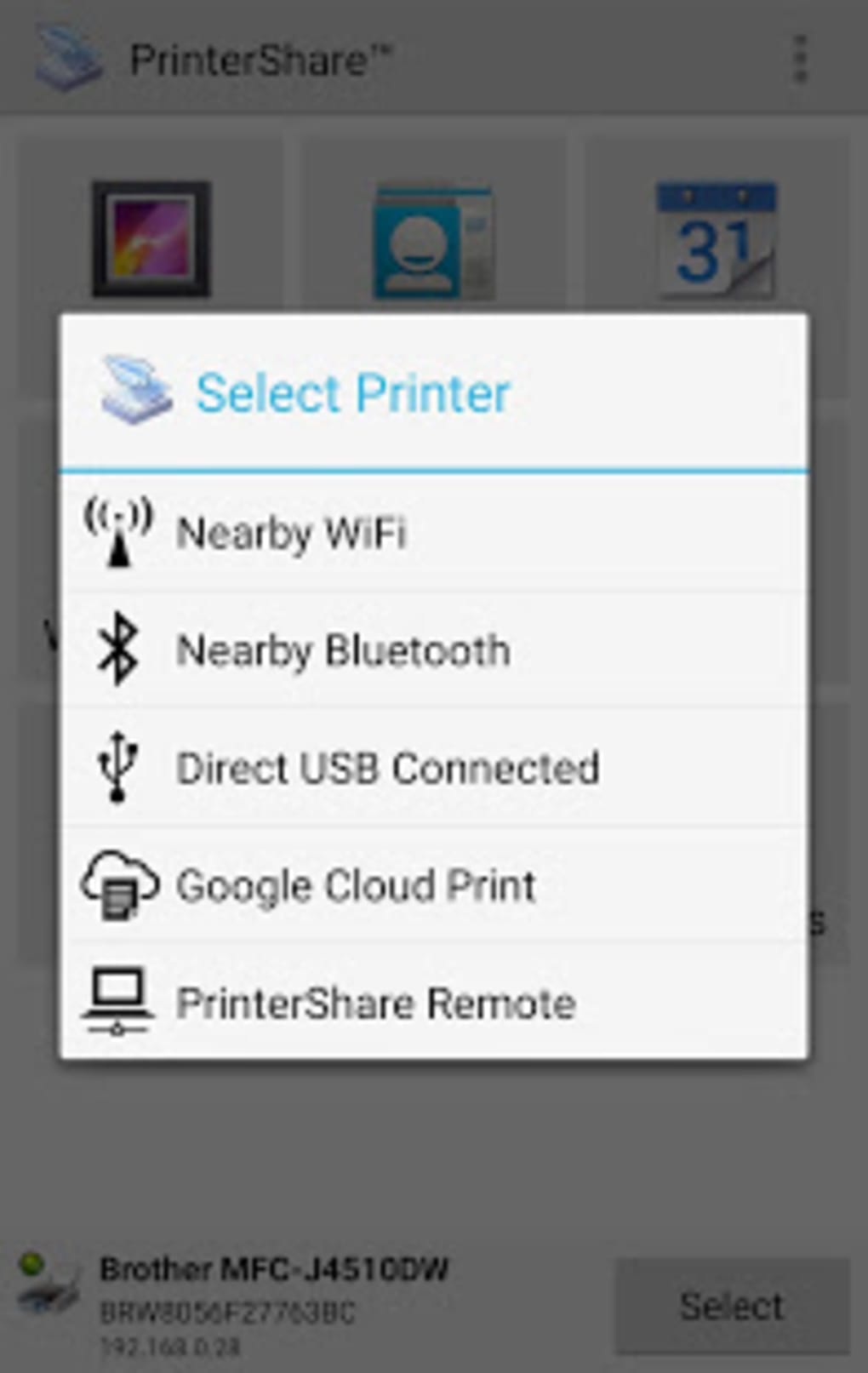
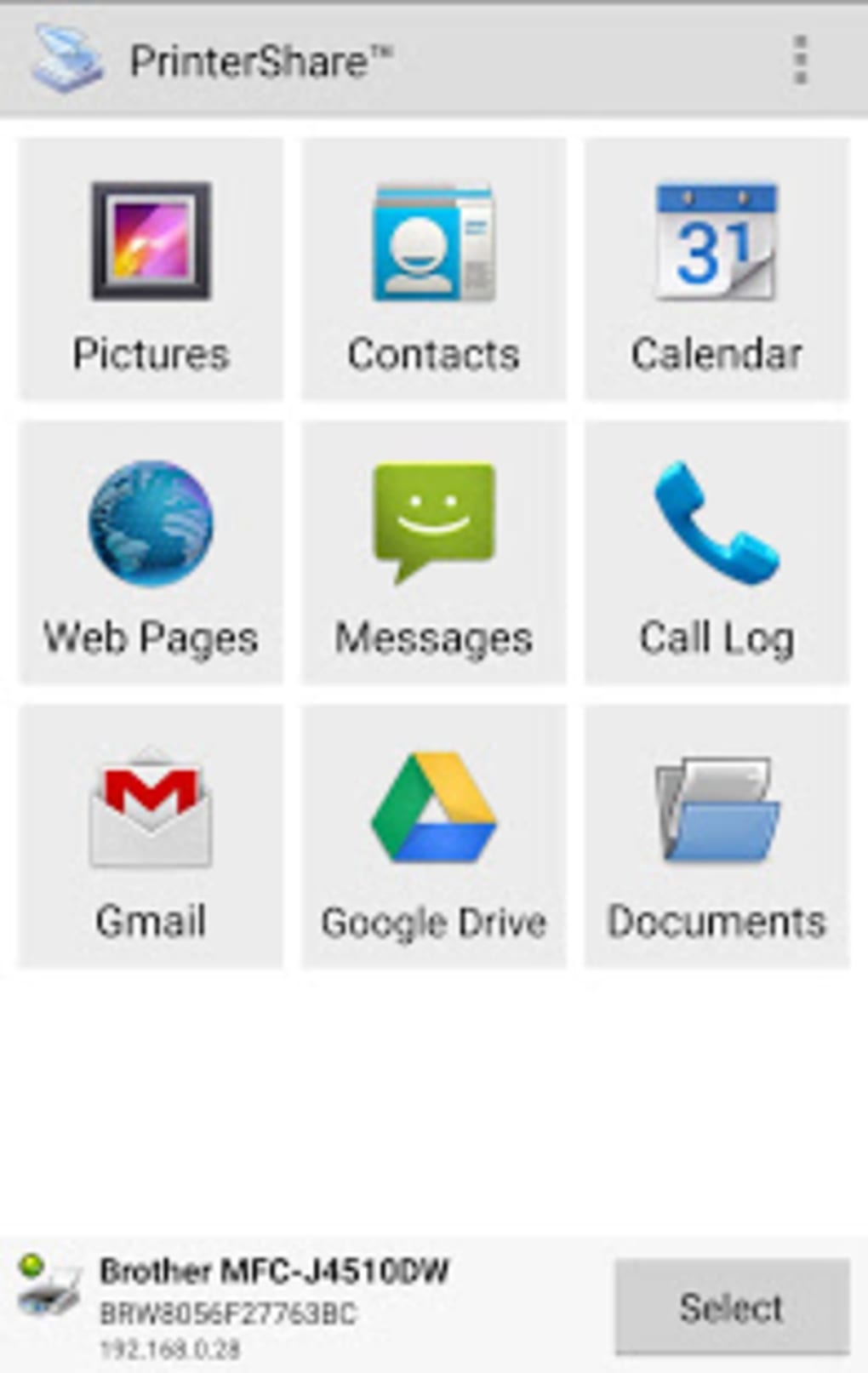
The user interface of PrinterShare Mobile Print APK is designed with simplicity in mind, focusing on intuitive navigation and quick access to core functions. The layout emphasizes essential controls such as file selection, printer connection, and print settings, minimizing the number of steps required to complete a print job.
Navigation is straightforward, with clearly labeled menus and a consistent design language. Users can browse files from their device’s storage, select a file, and initiate printing with minimal interaction. The workflow is optimized for speed, allowing users to complete the entire process in under a minute under normal conditions.
Performance observations are based on general software behavior patterns. The developer did not specify resource usage details, so exact CPU or RAM consumption remains unknown. Stability during printing operations appears consistent based on standard usage expectations. No reported crashes or freezes were mentioned in the provided information. The app functions as a lightweight utility, which suggests efficient background operation.
Compatibility & System Requirements
PrinterShare Mobile Print APK is designed for Android devices and is compatible with the operating system as of its release date. The software version is 2023.08.17, and the installation size is 12.4 MB, indicating a lightweight footprint that does not consume significant storage space.
Exact system requirements were not listed. The developer did not specify minimum Android version, processor type, or memory specifications. Compatibility information is limited to the platform, suggesting broad availability across modern Android devices. Users should ensure their device runs a recent version of Android for optimal performance.
Hardware requirements are not provided. However, given the app’s small size and function as a print utility, it is likely to operate efficiently on most current Android smartphones and tablets. No specific hardware dependencies were mentioned.
Pros and Cons
Pros
- Supports direct printing from Android devices to compatible printers
- Wide range of supported file formats including documents and images
- Customizable print settings for paper size, orientation, copies, and quality
- Lightweight installation at only 12.4 MB
- Free to use with no upfront cost
Cons
- Exact system requirements not provided by the developer
- Compatibility with older Android versions is uncertain
- Performance details such as CPU or RAM usage were not specified
- No information on cloud integration or offline printing capabilities
- Limited visibility into update frequency or future development plans
FAQ Section
Is PrinterShare Mobile Print APK compatible with all Android devices?
The app is designed for Android, but exact compatibility details were not provided. It is recommended to use the latest version of Android for best results.
Can I print without an internet connection?
Printing functionality may require a local network connection to the printer. The developer did not specify whether offline printing is supported.
Is the app safe to download and use?
PrinterShare Mobile Print APK is available as a free download. No security risks were reported in the provided information.
How often are updates released?
Update frequency was not specified. Users should check the official source for the latest version.
What types of files can I print using this app?
The app supports common file types including JPG, GIF, DOC, XLS, PPT, TXT, and HTML.
Final Thoughts
PrinterShare Mobile Print APK offers a practical and accessible solution for users seeking to print directly from their Android devices. Its ability to connect to most major printer models and support a wide array of file formats makes it a versatile tool for both casual and professional use. The lightweight design and free pricing model enhance its appeal, especially for users looking to avoid unnecessary hardware investments.
While some technical details such as system requirements and performance metrics are not publicly available, the app’s straightforward interface and efficient workflow compensate for these gaps. It is particularly beneficial for mobile professionals, students, and small office users who rely on quick, reliable printing without the overhead of additional software or hardware.
For those needing a simple, cost-effective way to print from Android, this app delivers on its core promise. Download PrinterShare Mobile Print APK now to streamline your printing workflow.
Guides & Tutorials for PrinterShare Mobile Print APK
How to install PrinterShare Mobile Print APK
- Click the Preview / Download button above.
- Once redirected, accept the terms and click Install.
- Wait for the PrinterShare Mobile Print APK download to finish on your device.
How to use PrinterShare Mobile Print APK
This software is primarily used for its core features described above. Open the app after installation to explore its capabilities.
User Reviews for PrinterShare Mobile Print APK 0
No reviews found





